

 Deutsch

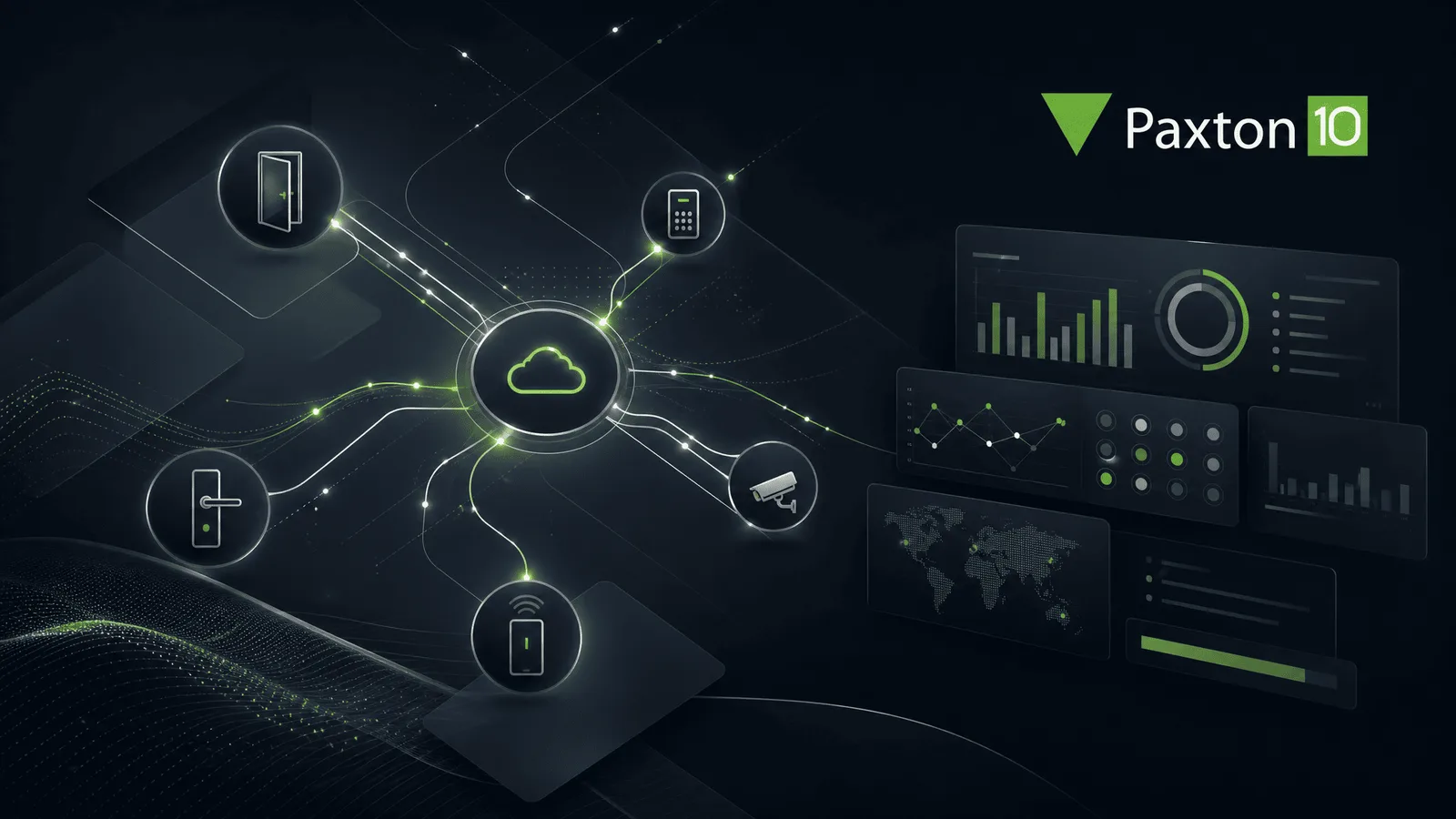
Security systems today are based largely on stable and secure communication between the locations and the central server structures. For users of Paxton10 systems, which is located in Multi-Site Mode Now a crucial date is approaching: After Wednesday, March 11, Systems with the software version 4.8 or lower can no longer establish a connection to the Paxton10 server.
This update to the Version 4.9 (or higher) is mandatory to ensure uninterrupted connectivity and the full functionality of your cross-site access control. While local features will mostly remain intact, without the update, central management will no longer be possible. The GRAEF Group helps you to make this transition smooth and to keep your security infrastructure up to date.
The consequences: What happens if the update is missing?
If the update is not carried out in a timely manner, it will result in noticeable limitations in daily operations and administration for multi-site environments.
Offline status and limited management
Systems that have not been updated to version 4.9 will be considered as offline displayed. While the locations on-site remain secure and continue to operate with the most recently received configuration – meaning that doors continue to open for authorized persons –, they cannot No changes More data will be transferred from the server. Adding new users, changing permissions, or creating new locations is only possible again after a successful update.
Recovery only through support
A critical point is reactivation: Once a system loses contact with the server, it can no longer be easily connected online with a mouse click. In this case, technical support is necessary to manually restore the connection. To avoid this administrative overhead and potential downtime in management, a proactive update before March 11 is the safest way.
Who is affected? Multi-Site vs. Multi-Subnet
It is important to know that this specific update requirement is primarily Multi-site systems This involves installations where several geographically separate locations communicate over the Internet with a central Paxton10 server.
Systems that are classified as Multi-subnet If the systems are configured within a local network (LAN/VLAN), they are not affected by this specific server connectivity issue and will continue to function as usual for the time being. Nevertheless, the GRAEF Group generally recommends keeping all systems up to date with the latest software to benefit from security enhancements and new features.
How to check and install the update
The installation of the update requires System engineer permissions within the Paxton10 software. If you have the appropriate access rights, you can check the status as follows:
- Click on the Option icon (Gearwheel) in the upper right corner of the Paxton10 software.
- Open the section „Info“.
- Click on „Search for updates“.
- Follow the instructions on the screen to complete the process.
If you are unsure about these steps or receive error messages, it is advisable to seek professional help before the system loses contact with the server.
Support from the GRAEF Group: Installation and Service
As experts in modern access control systems, we know that software updates must be planned precisely in critical infrastructures. The GRAEF Group helps you safely upgrade your Paxton10 system to version 4.9.
Our services include:
- Version verification and inventory: We will clarify for you whether your sites are configured as multi-sites and whether there is a need for action.
- Professional installation and assembly: We will perform the update for you and ensure that all controllers and readers communicate properly after the update.
- Configuration and troubleshooting: If your system is already offline, we will handle the communication with the technical support and bring your locations back online.
- System check: As part of the update, we will check the overall system health and, if necessary, optimize your security scenarios.
Timely updates prevent unnecessary stress and ensure that your access control remains exactly what it is intended to be: a reliable safeguard for your business. Contact us if you need assistance setting up or updating your Paxton systems.
Continuity through professional maintenance
Software lifecycles are becoming increasingly shorter, and security requirements are constantly increasing. The current Paxton10 update is an example of how important regular maintenance of security software is. Through structured support for your systems, we ensure that such deadlines do not become a risk to your operational processes. An up-to-date system is not only more functional but also offers the best protection against external threats and ensures long-term investment security for your hardware.

Contributions from the practical experience of our installers, project managers and software developers. The group is led by founder Peter Gräf, a DGuSV-certified expert in security technology.
Our team



 German
 English