

TP-Link Access Point einrichten: WLAN-Erweiterung für Ihr Unternehmen
Erfahren Sie, wie Sie Ihren TP-Link Access Point einrichten, um das WLAN in Ihrem Unternehmen zu erweitern.
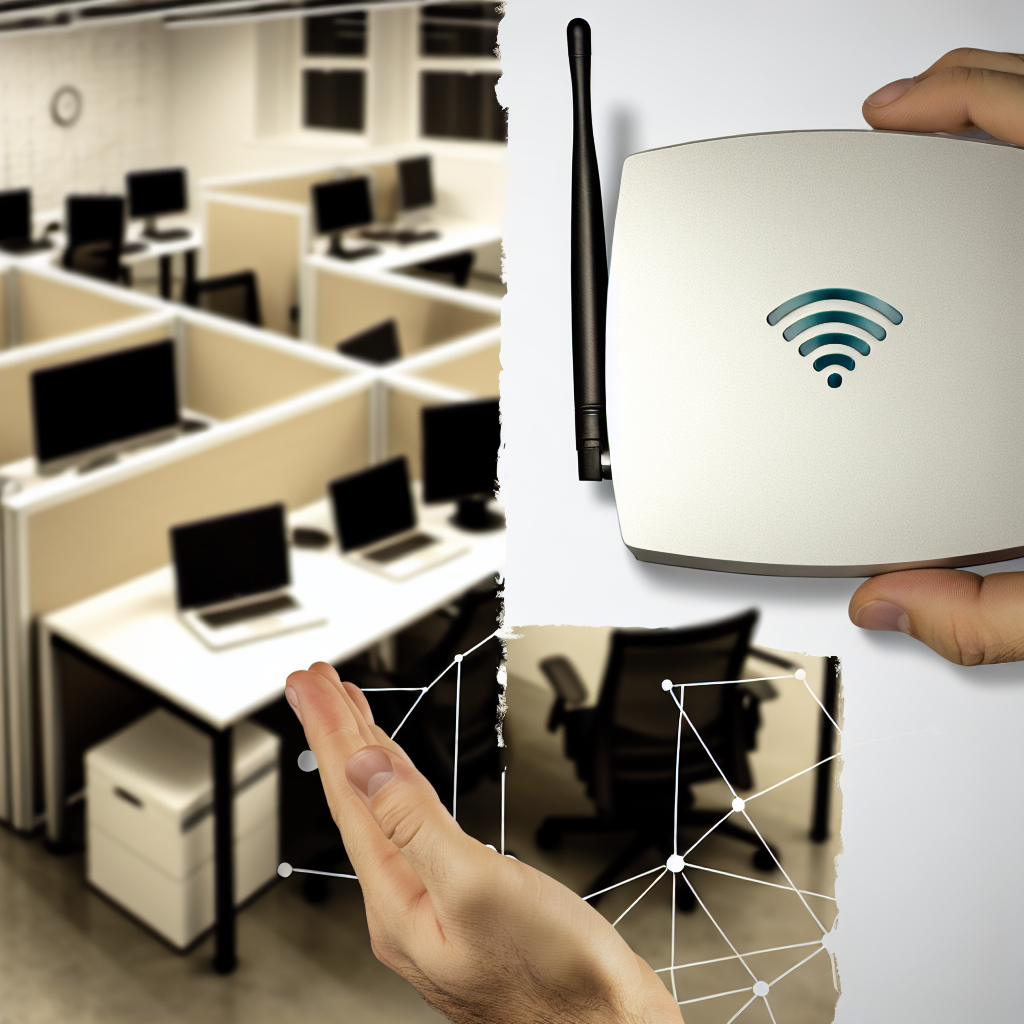
Die Einrichtung eines TP-Link Access Points ist eine effiziente Lösung für Unternehmen, die ihre WLAN-Abdeckung erweitern möchten. In diesem Artikel erfahren Sie, wie Sie einen tp link accesspoint konfigurieren und welche Vorteile dies für Ihr Unternehmen haben kann.
Warum einen TP-Link Access Point wählen?
TP-Link ist bekannt für seine zuverlässigen und kosteneffizienten Netzwerklösungen. Ein tp link accesspoint bietet nicht nur eine erweiterte Reichweite und verbesserte Verbindungsgeschwindigkeiten, sondern auch fortschrittliche Sicherheitsfeatures, die für den Schutz Ihres Unternehmensnetzwerks unerlässlich sind. Mit Funktionen wie WPA/WPA2-Verschlüsselung und Unterstützung mehrerer SSIDs können Unternehmen eine sichere und segmentierte Netzwerkumgebung schaffen.
Hinweis zu AI-generierten Inhalten: Die Inhalte dieses Blogs werden mithilfe fortschrittlicher künstlicher Intelligenz erstellt. Obwohl wir uns bemühen, Ihnen stets präzise und nützliche Informationen zu bieten, kann es vorkommen, dass Fragen oder Unklarheiten bestehen bleiben. In solchen Fällen stehen Ihnen unsere Experten gerne zur Verfügung. Zögern Sie nicht, uns über die unten aufgeführten Kontaktmöglichkeiten zu erreichen. Unsere Spezialisten sind wahre Kenner ihres Fachs und helfen Ihnen gerne weiter!

Kontaktmöglichkeiten:

Feedback-Formular: Formular Ausfüllen
E-Mail: vertrieb@graef-gruppe.de
Telefon: +493069202294
Wir freuen uns auf Ihre Rückfragen und darauf, Ihnen bei jedem Anliegen behilflich zu sein!
Vorteile der Einrichtung eines TP-Link Access Points
- Erweiterte Abdeckung: Ideal für große Büros oder Gebäude mit mehreren Etagen.
- Hohe Geschwindigkeiten: Unterstützt die neuesten WLAN-Standards für schnelle Datenübertragungen.
- Einfache Verwaltung: Mit der intuitiven Web-Oberfläche oder der Tether-App können Sie Ihr Netzwerk bequem verwalten.
Schritt-für-Schritt-Anleitung zur Einrichtung
Die Einrichtung eines tp link accesspoint ist unkompliziert. Hier eine einfache Anleitung:
- Positionierung: Wählen Sie einen zentralen Standort für optimale Signalverteilung.
- Verbindung: Verbinden Sie den Access Point mit Ihrem Router über ein Ethernet-Kabel.
- Konfiguration: Greifen Sie über einen Webbrowser auf die Konfigurationsseite des Access Points zu und stellen Sie die Netzwerkeinstellungen ein.
- Sicherheitseinstellungen: Konfigurieren Sie die Sicherheitseinstellungen, um Ihr Netzwerk zu schützen.
- Netzwerktest: Überprüfen Sie die Abdeckung und Geschwindigkeit, um sicherzustellen, dass alles ordnungsgemäß funktioniert.
Ein mittelständisches Unternehmen in München hat kürzlich TP-Link Access Points installiert, um die WLAN-Abdeckung in seinem neuen Bürogebäude zu verbessern. Nach der Installation erlebte das Unternehmen eine deutliche Verbesserung der Signalstärke und Netzwerkgeschwindigkeit, was zu einer Steigerung der Produktivität und Mitarbeiterzufriedenheit führte.
Abschluss und weitere Schritte
Die Einrichtung eines tp link accesspoint kann eine transformative Wirkung auf Ihr Geschäft haben, indem es die Netzwerkleistung verbessert und eine sichere, zuverlässige Verbindung bietet. Es ist eine Investition, die sich durch erhöhte Effizienz und verbesserte Benutzererfahrung schnell amortisiert.
Weitere Informationen zum TP-Link Access Point
Für weitere Informationen und Unterstützung bei der Einrichtung Ihres tp link accesspoint besuchen Sie die offizielle TP-Link Website oder kontaktieren Sie einen professionellen IT-Dienstleister.