
Glasfaseranschluss im Haus verteilen – Wie Sie Ihr Heimnetzwerk optimal einrichten
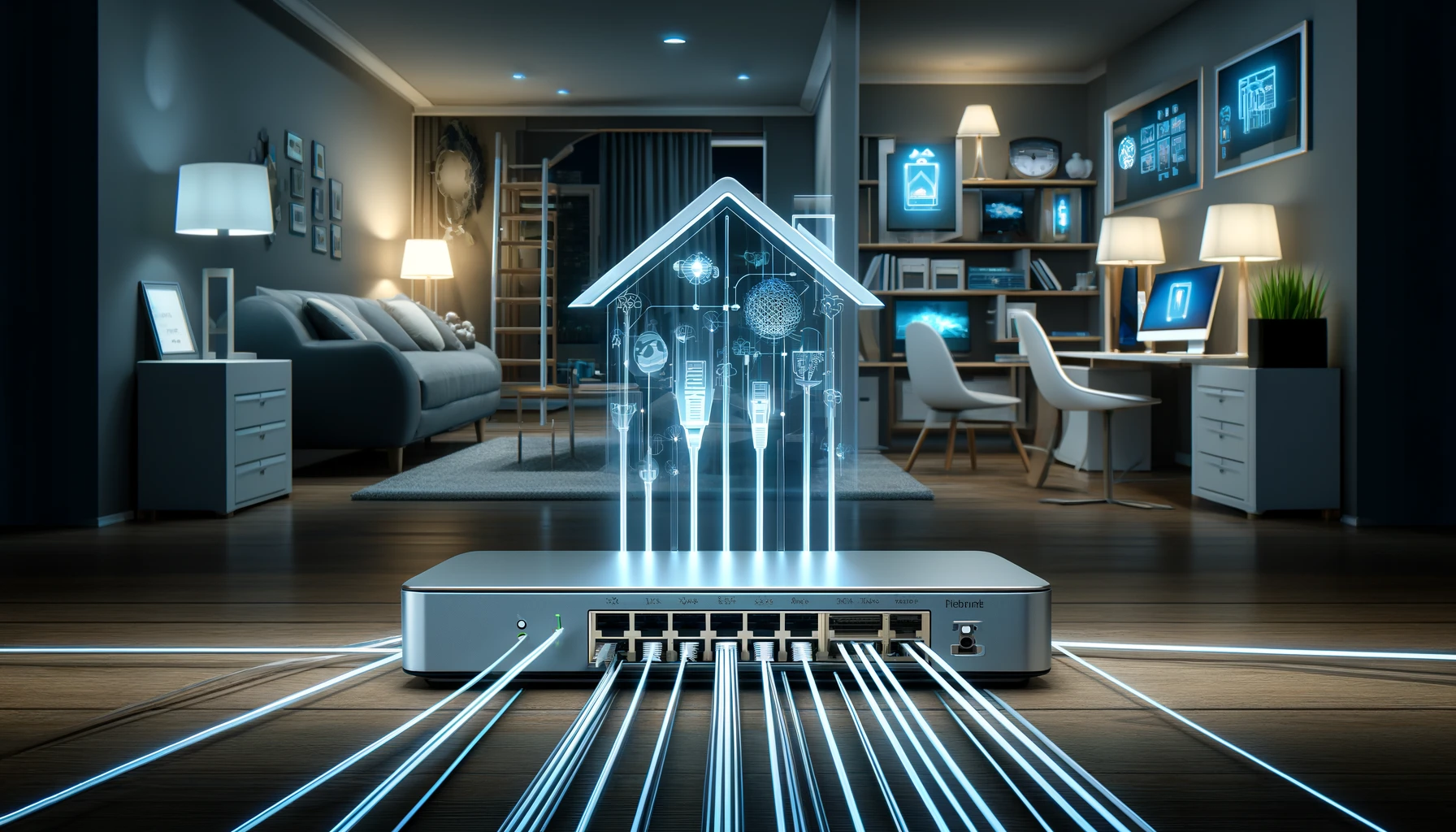
Die Einrichtung eines Heimnetzwerks kann eine Herausforderung sein, insbesondere wenn es um die Verteilung eines Glasfaseranschlusses im Haus geht. Mit der richtigen Planung und den richtigen Werkzeugen können Sie jedoch ein effizientes und leistungsstarkes Netzwerk erstellen. In diesem Artikel erfahren Sie, wie Sie Ihren Glasfaseranschluss im Haus optimal verteilen und Ihr Heimnetzwerk einrichten.
Hinweis zu AI-generierten Inhalten: Die Inhalte dieses Blogs werden mithilfe fortschrittlicher künstlicher Intelligenz erstellt. Obwohl wir uns bemühen, Ihnen stets präzise und nützliche Informationen zu bieten, kann es vorkommen, dass Fragen oder Unklarheiten bestehen bleiben. In solchen Fällen stehen Ihnen unsere Experten gerne zur Verfügung. Zögern Sie nicht, uns über die unten aufgeführten Kontaktmöglichkeiten zu erreichen. Unsere Spezialisten sind wahre Kenner ihres Fachs und helfen Ihnen gerne weiter!

Kontaktmöglichkeiten:

Feedback-Formular: Formular Ausfüllen
E-Mail: vertrieb@graef-gruppe.de
Telefon: +493069202294
Wir freuen uns auf Ihre Rückfragen und darauf, Ihnen bei jedem Anliegen behilflich zu sein!
Glasfaseranschluss im Haus verteilen: Warum ist es wichtig?
Ein Glasfaseranschluss bietet eine Reihe von Vorteilen gegenüber herkömmlichen Kupferkabeln. Er bietet höhere Geschwindigkeiten, eine größere Bandbreite und eine stabilere Verbindung. Die Verteilung des Glasfaseranschlusses im Haus ermöglicht es Ihnen, diese Vorteile in jedem Raum zu nutzen. Sie können beispielsweise in Ihrem Home Office arbeiten, während andere Familienmitglieder gleichzeitig Online-Spiele spielen oder Streaming-Videos ansehen, ohne dass die Verbindungsgeschwindigkeit beeinträchtigt wird.
Planung der Verteilung des Glasfaseranschlusses
Bevor Sie mit der Installation beginnen, sollten Sie einen Plan für die Verteilung des Glasfaseranschlusses im Haus erstellen. Berücksichtigen Sie dabei folgende Punkte:
- Die Anzahl der Räume, die eine Verbindung benötigen
- Die Position der Geräte, die eine Verbindung benötigen
- Die Art der Aktivitäten, die in jedem Raum stattfinden werden (z.B. Arbeiten, Spielen, Streaming)
Dies hilft Ihnen, zu bestimmen, wo Sie die Glasfaserkabel verlegen und wo Sie die Netzwerkgeräte platzieren müssen.
Installation des Glasfaseranschlusses
Nachdem Sie Ihren Plan erstellt haben, können Sie mit der Installation des Glasfaseranschlusses beginnen. Sie benötigen ein Glasfaserkabel, einen Router und eventuell zusätzliche Netzwerkgeräte wie Switches oder Access Points. Die Installation umfasst in der Regel die folgenden Schritte:
- Verlegen Sie das Glasfaserkabel vom Anschlusspunkt zu den Räumen, die eine Verbindung benötigen.
- Schließen Sie das Glasfaserkabel an den Router an.
- Verbinden Sie Ihre Geräte entweder direkt mit dem Router oder über ein Netzwerkgerät.
Optimierung Ihres Heimnetzwerks
Nach der Installation des Glasfaseranschlusses sollten Sie Ihr Heimnetzwerk optimieren, um die bestmögliche Leistung zu erzielen. Hier sind einige Tipps:
- Stellen Sie sicher, dass Ihr Router auf dem neuesten Stand ist und die neueste Firmware verwendet.
- Verwenden Sie ein starkes Passwort für Ihr Netzwerk, um es vor unerwünschten Zugriffen zu schützen.
- Verwenden Sie QoS (Quality of Service) Einstellungen, um die Bandbreite für bestimmte Anwendungen oder Geräte zu priorisieren.
- Verwenden Sie ein Mesh-Netzwerk oder zusätzliche Access Points, um die WLAN-Abdeckung in Ihrem Haus zu verbessern.
Die Verteilung eines Glasfaseranschlusses im Haus und die Einrichtung eines Heimnetzwerks können komplex erscheinen, aber mit der richtigen Planung und den richtigen Werkzeugen können Sie ein leistungsstarkes und effizientes Netzwerk erstellen. Denken Sie daran, Ihr Netzwerk regelmäßig zu überprüfen und zu optimieren, um die bestmögliche Leistung zu erzielen.
Wo sollte der Router für bestmögliche WLAN-Abdeckung platziert werden?
Positionieren Sie den Router zentral im Wohnbereich, idealerweise in der Nähe des Glasfaser-Modems. Dies gewährleistet eine gleichmäßige WLAN-Verteilung im gesamten Haus.
Welche Maßnahmen verbessern die WLAN-Abdeckung in meinem Zuhause?
Der Einsatz eines Mesh-Netzwerks oder zusätzlicher Access Points kann Funklöcher beseitigen. Achten Sie zudem auf aktuelle Firmware und eine strategische Platzierung der Geräte.
Welche Sicherheitsvorkehrungen sollte ich für mein Heimnetzwerk treffen?
Verwenden Sie ein starkes, einzigartiges Passwort für Ihr WLAN und aktivieren Sie WPA3-Verschlüsselung. Regelmäßige Firmware-Updates und die Aktivierung von Firewalls erhöhen die Sicherheit zusätzlich.